
How to draw a realistic watercolor Christmas Poinsettia in Procreate | tutorial
The poinsettia is one of the most striking holiday flowers — bold, festive, and instantly recognizable. It’s perfect for Christmas cards, seasonal decor, or even printed as a standalone poster for the holidays.
It might look intricate at first glance, but this is actually a wonderfully simple illustration to paint. I’ve taught this exact tutorial many times, and every single person who’s followed along has ended up with a beautiful result — so don’t let the look of it intimidate you. This one is great for beginners too.
Digital watercolor combines the beauty of traditional painting with the flexibility of modern tools. With Procreate and the right brushes, you can recreate the flow and texture of real watercolor without the mess — perfect for creating festive art, designing holiday cards, or even selling your creations online.
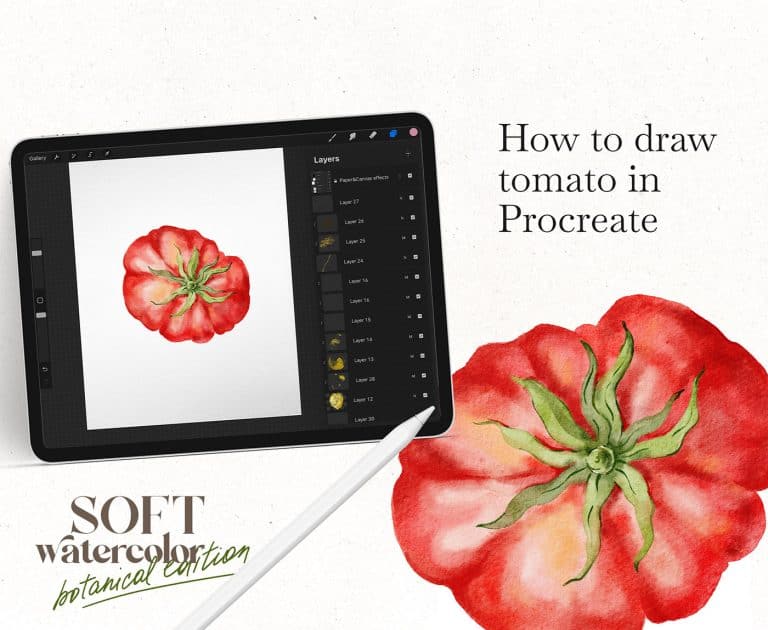
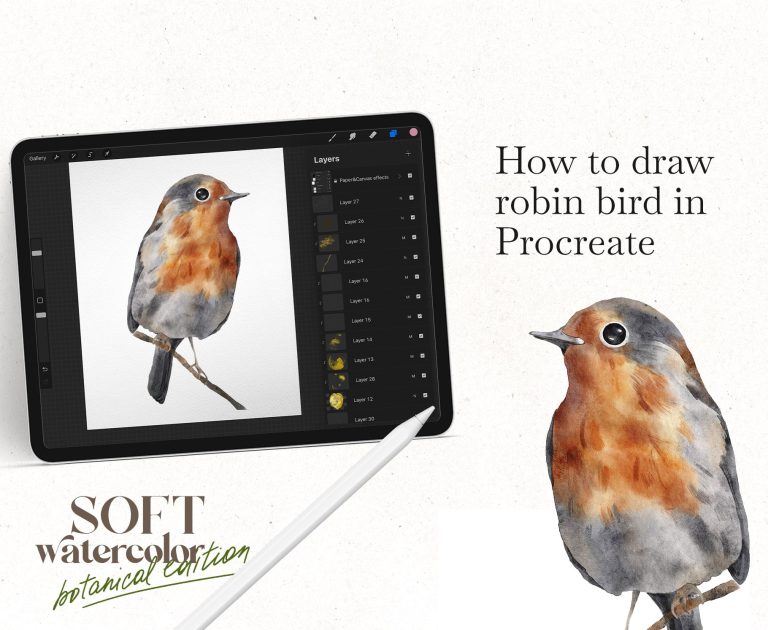
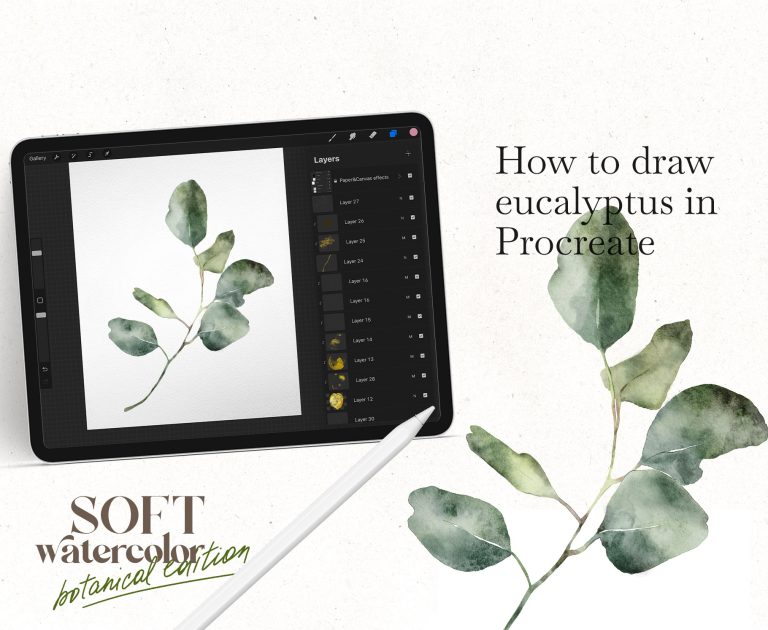
In this step-by-step video, I’ll show you how to paint a poinsettia using my Soft Watercolor Procreate Brushes, designed to mimic the flow, texture, and softness of real watercolor paint.
What you’ll learn in this tutorial
About the brushes
This tutorial uses my own Soft Watercolor Procreate Brushes. I’m a watercolor artist myself, and I built these brushes from my own hand-painted textures — so they behave like real watercolor: soft edges, natural color blending, and the kind of texture you simply can’t get from a default Procreate brush.